Curatorial optimal nutzen
Notizbücher
Ein konzentrierter Arbeitsraum für eine einzelne Frage. Fügen Sie die wichtigen Quellen hinzu, setzen Sie sich im Gespräch mit ihnen auseinander und verwandeln Sie Ihre Erkenntnisse in ein Briefing, eine FAQ oder eine Zeitleiste.
Wenn Sie einer Sache auf den Grund gehen möchten
Ihre Bibliothek umfasst alles; ein Notizbuch enthält die kleine Auswahl an Quellen, mit der Sie sich gerade intensiv beschäftigen. Während der Assistent Ihre gesamte Sammlung einbezieht, setzt ein Notizbuch eine klare Grenze – nur diese Quellen, nur diese Frage. So bleiben das Gespräch und die Ergebnisse genau auf die von Ihnen ausgewählten Quellen ausgerichtet. Das unterscheidet eine Bibliothek von einem Leseplatz.
Notizbuch erstellen und Quellen hinzufügen
Legen Sie ein Notizbuch an und fügen Sie die Quellen hinzu, die es berücksichtigen soll. Sie können es direkt aus einem Thema oder einer Materialauswahl erstellen, sodass es von Anfang an alle relevanten Quellen enthält und nicht leer beginnt. Die hinzugefügten Quellen bilden seine ganze Welt – das Notizbuch greift nicht auf andere zurück.
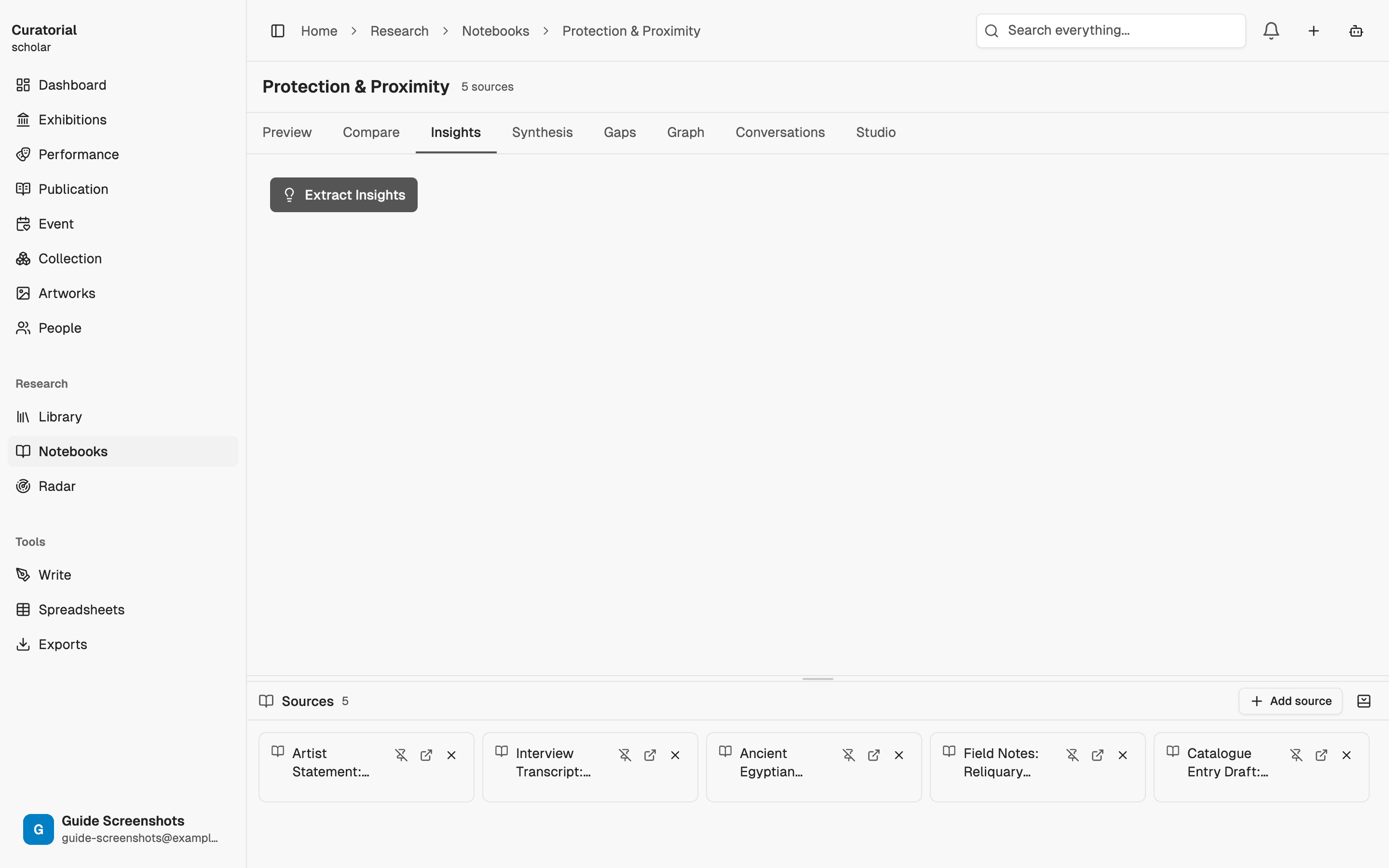
Im Free-Tarif ist ein Notizbuch enthalten – genug, um die Funktionsweise kennenzulernen. Mit Pro entfällt die Begrenzung, sodass Sie für jeden Forschungsstrang ein eigenes Notizbuch führen können.
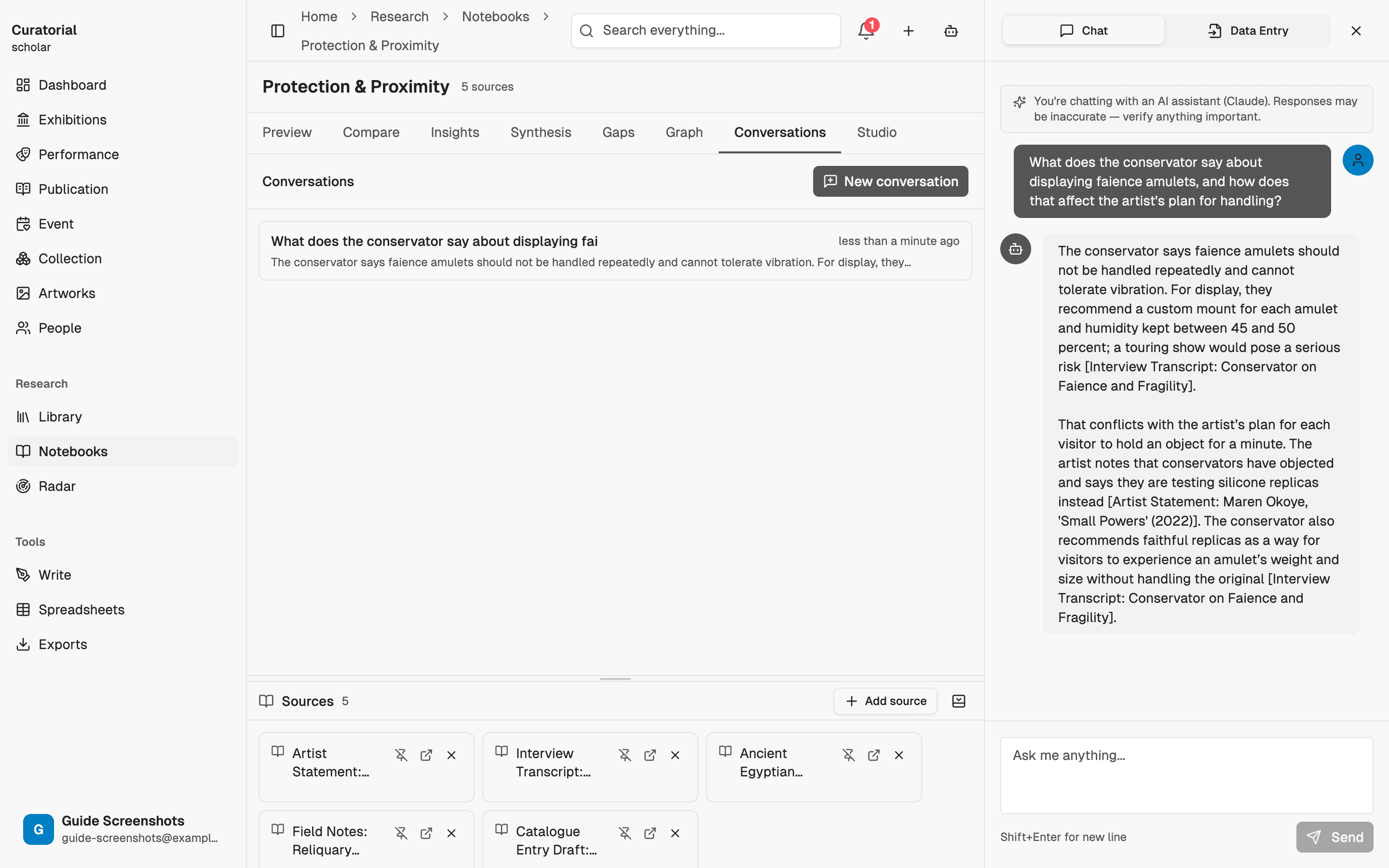
Mit Ihren Quellen sprechen
Stellen Sie Fragen und erhalten Sie Antworten, die ausschließlich aus den Quellen des Notizbuchs stammen – samt den Passagen, auf denen sie beruhen. Weil der Rahmen klar begrenzt ist, bleiben auch die Antworten präzise. So können Sie eine kleine Auswahl schwieriger Texte wirklich durchdringen – im Austausch mit einem kenntnisreichen Gegenüber, statt allein zu lesen.
Ein Studio-Dokument erstellen
Wenn Sie die Ergebnisse zusammenführen möchten, verwandelt das Studio Ihr Notizbuch in ein direkt nutzbares Dokument: ein Briefing, das den gesamten Bestand zusammenfasst, eine FAQ, die naheliegende Fragen vorwegnimmt, oder eine Zeitleiste, die Ereignisse aus den Quellen ordnet. Jedes Dokument wird aus den Inhalten Ihres Notizbuchs erstellt und ist deshalb genau auf Ihr Material zugeschnitten – keine Vorlage.
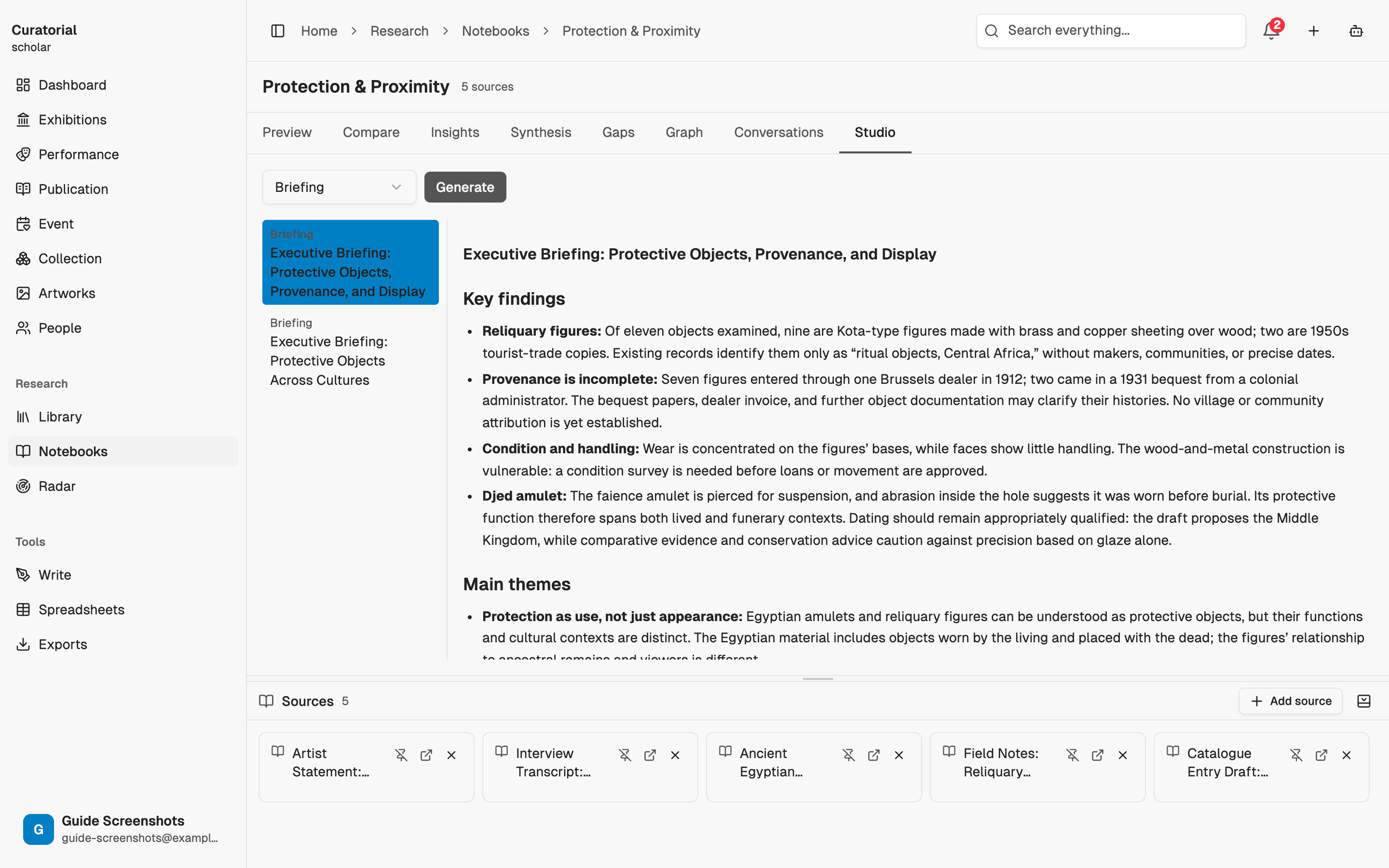
Studio-Dokumente sind eine Pro-Funktion. Mit dem Briefing können Sie einer mitarbeitenden Person besonders schnell die wichtigsten Inhalte eines Quellenbestands vermitteln, ohne dass sie alles lesen muss.
Für jeden Forschungsstrang ein eigenes Notizbuch
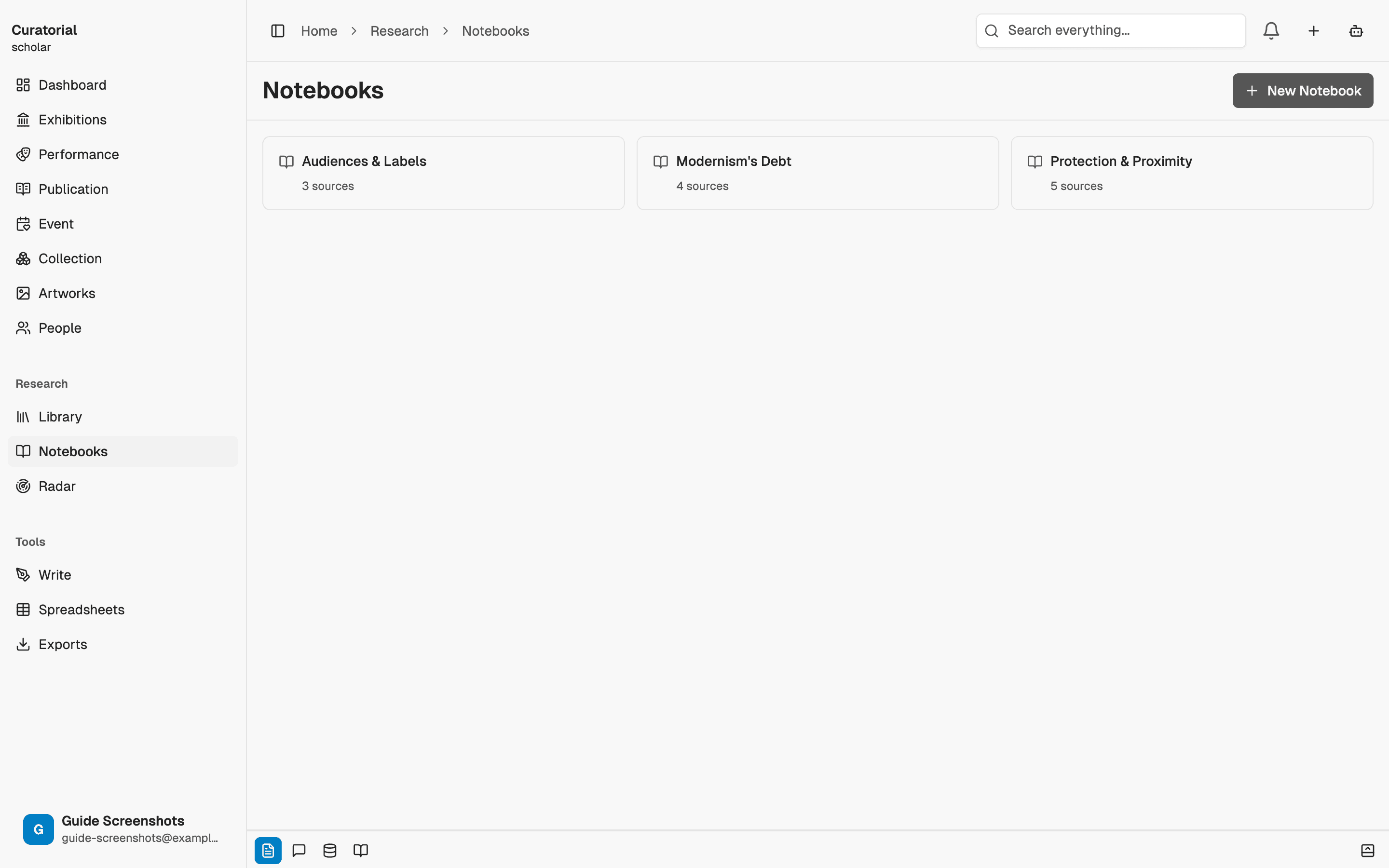
Notizbücher kosten wenig und lassen sich leicht wieder aufnehmen. Legen Sie für jede Fragestellung eines an – eines für die Biografie des Künstlers, eines für die kritische Rezeption, eines für den historischen Kontext. So bleibt jedes Gespräch klar abgegrenzt und in sich geschlossen; Wochen später können Sie dort wieder anknüpfen, ohne den Faden zu verlieren.
Notizbuch oder Assistent
Nutzen Sie den Assistenten, wenn Sie Ihre gesamte Bibliothek durchforsten und jedem Gedanken nachgehen möchten. Ein Notizbuch ist die richtige Wahl, wenn Sie das Gegenteil wollen: eine festgelegte Auswahl an Quellen, eine klar umrissene Frage und Ergebnisse, von denen Sie wissen, dass sie ausschließlich darauf beruhen. Dass Antworten fundiert sein sollen, gilt in beiden Fällen – der Umfang ist bewusst ein anderer.
Ein Notizbuch kennt nur die Quellen, die Sie ihm hinzufügen. Genau diese Begrenzung ist seine Stärke: Sie sorgt dafür, dass Antworten und Arbeitsergebnisse eng auf den Quellen beruhen.
Wie es weitergeht
Weitere Möglichkeiten zu arbeiten
The Curatorial Assistant
5 minYour always-present research partner — a chat that knows your library and follows what you're working on
Directed Inquiry
4 minAsk a research question across chosen sources — get themes, quotes, gaps, and outside leads, all cited
Research Synthesis
5 minGenerate structured data matrices across multiple sources — exportable to CSV/JSON
Öffnen Sie ein
Notizbuch.
Stellen Sie einige Quellen zusammen, stellen Sie Ihre Fragen und erstellen Sie ein Briefing. Curatorial können Sie kostenlos nutzen.
Kostenlos ausprobieren